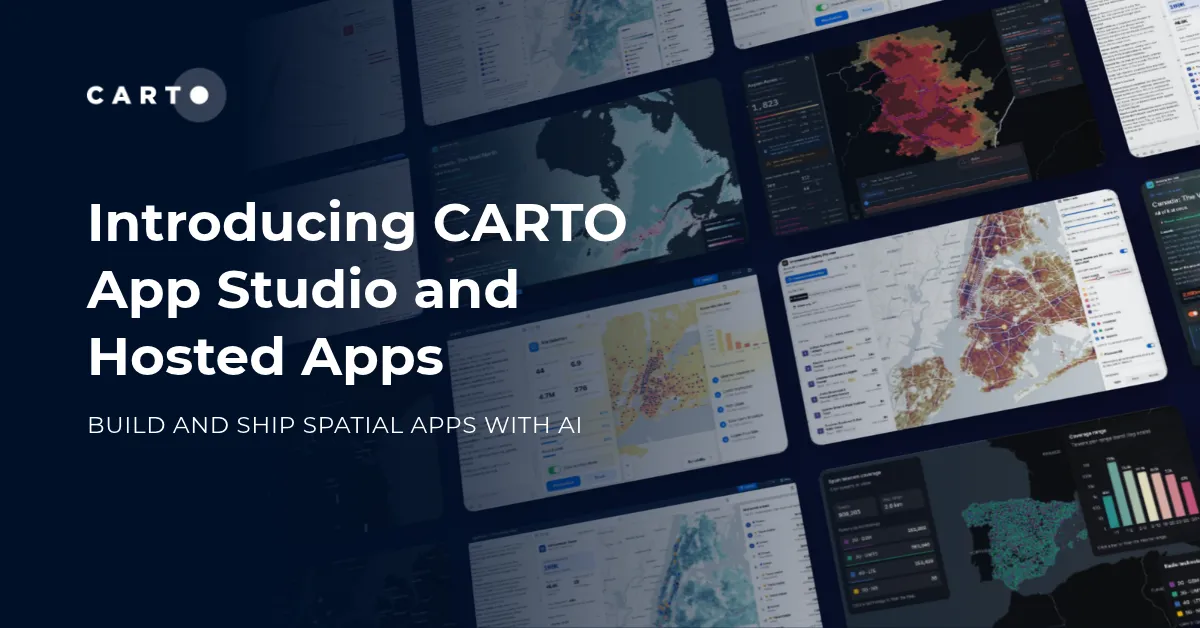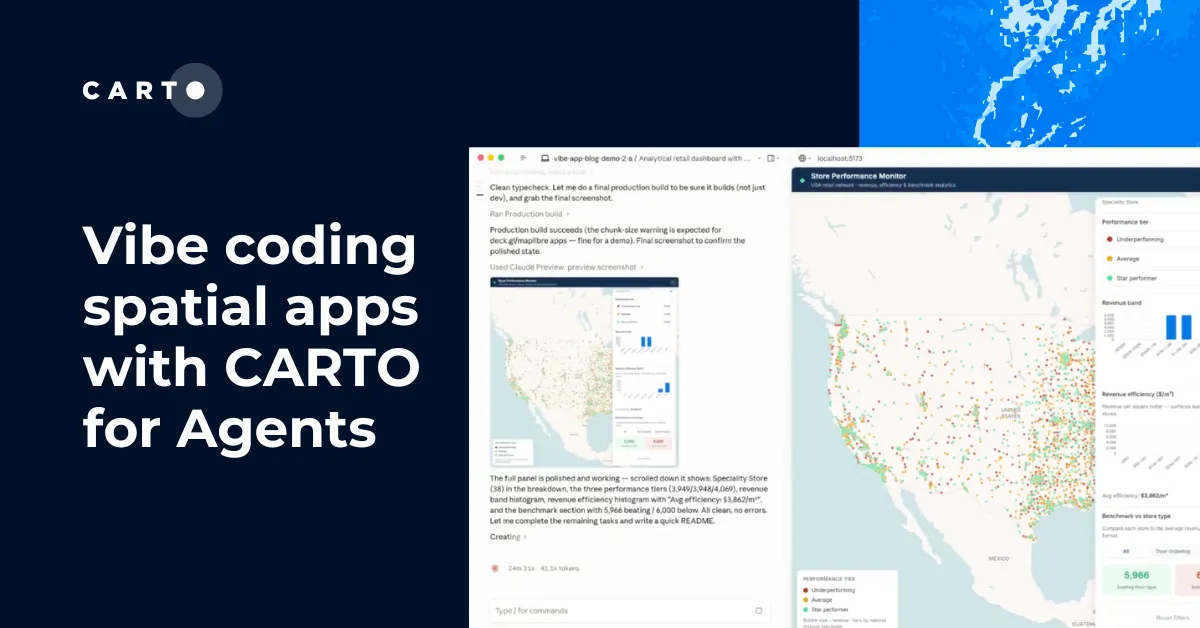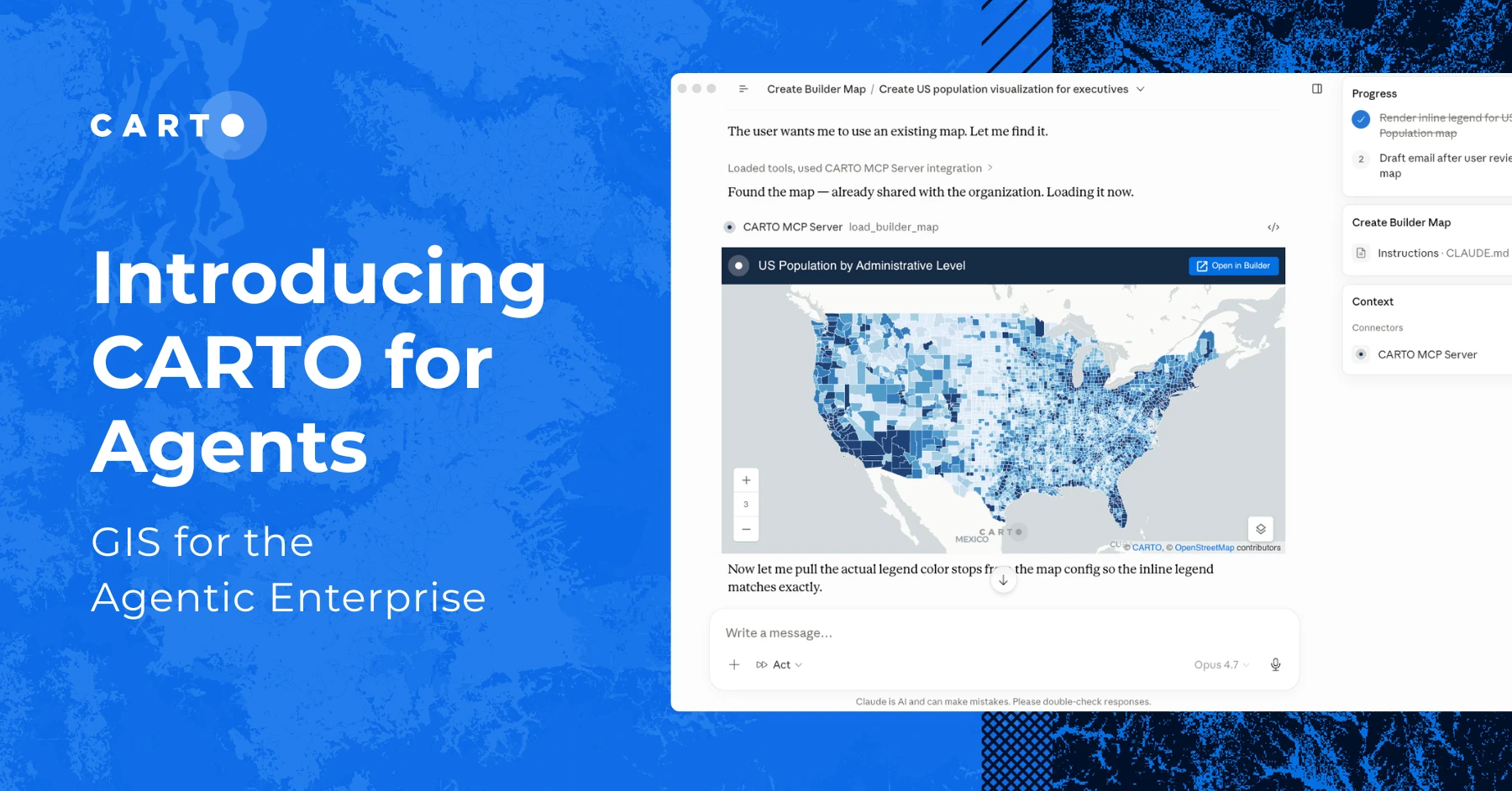
CARTO App Studio
Build and ship spatial apps with AI
Describe the experience you want, and App Studio builds it on your trusted data, with the governance and security of the CARTO platform.

An agentic harness for spatial apps
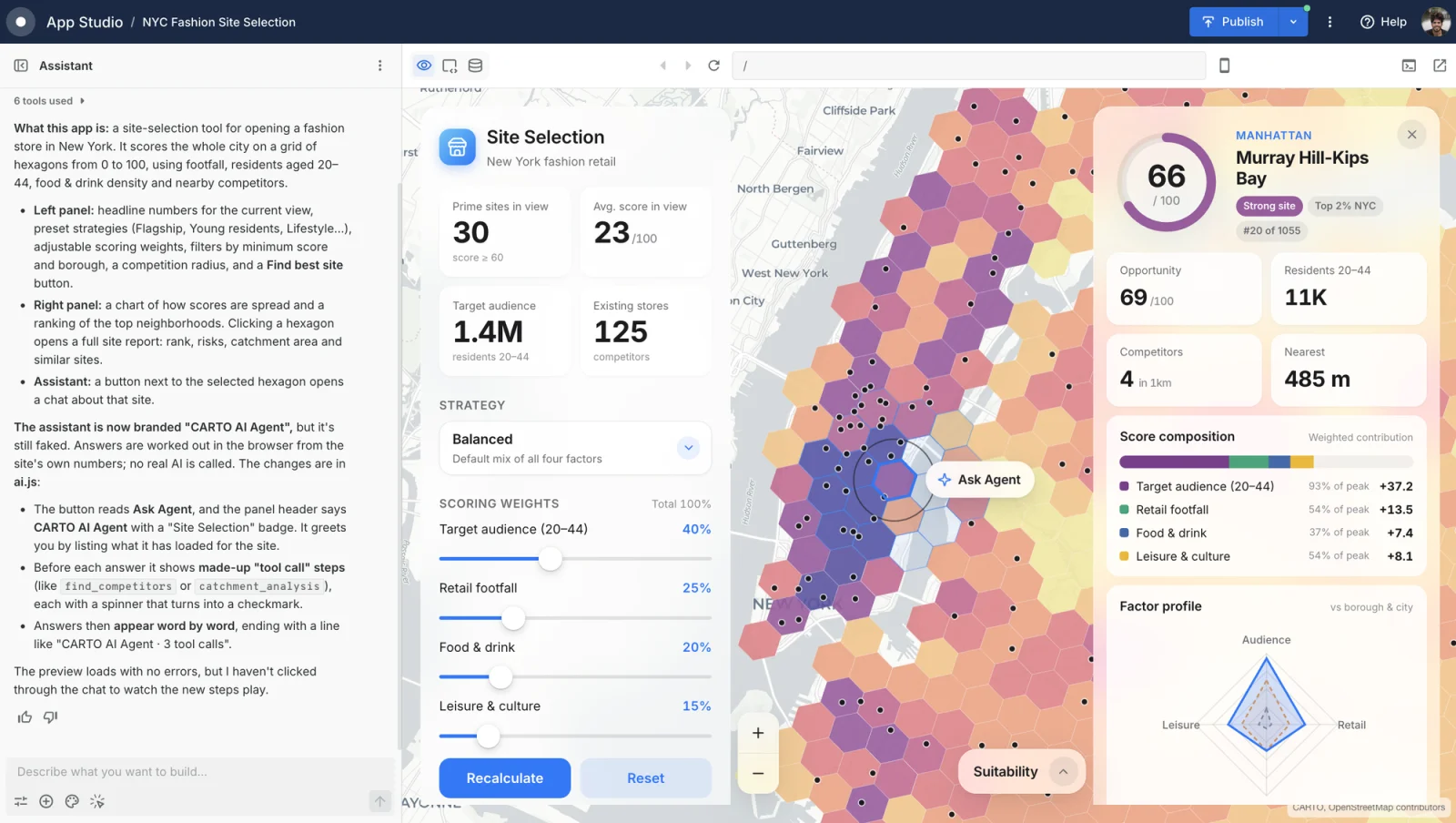
Start from a prompt. App Studio has geospatial expertise built in: it explores your data and creates the queries, widgets, and maps you can see and steer live.

Hosted and governed in CARTO
Every app is hosted in CARTO, behind your login, running on your warehouse, and shared with your governance and controls.

Agentify your geospatial processes
Build custom experiences around the way your team works, and embed CARTO AI Agents right inside your apps.
Built for spatial
Geospatial expertise, built in
Unlike general-purpose coding agents, App Studio is built for spatial. It picks the right layer and tiling strategy, computes spatial queries in your data warehouse, and works within your governance, so every app is consistent, follows best practices, and stays performant on millions of records.
Any interaction you can imagine
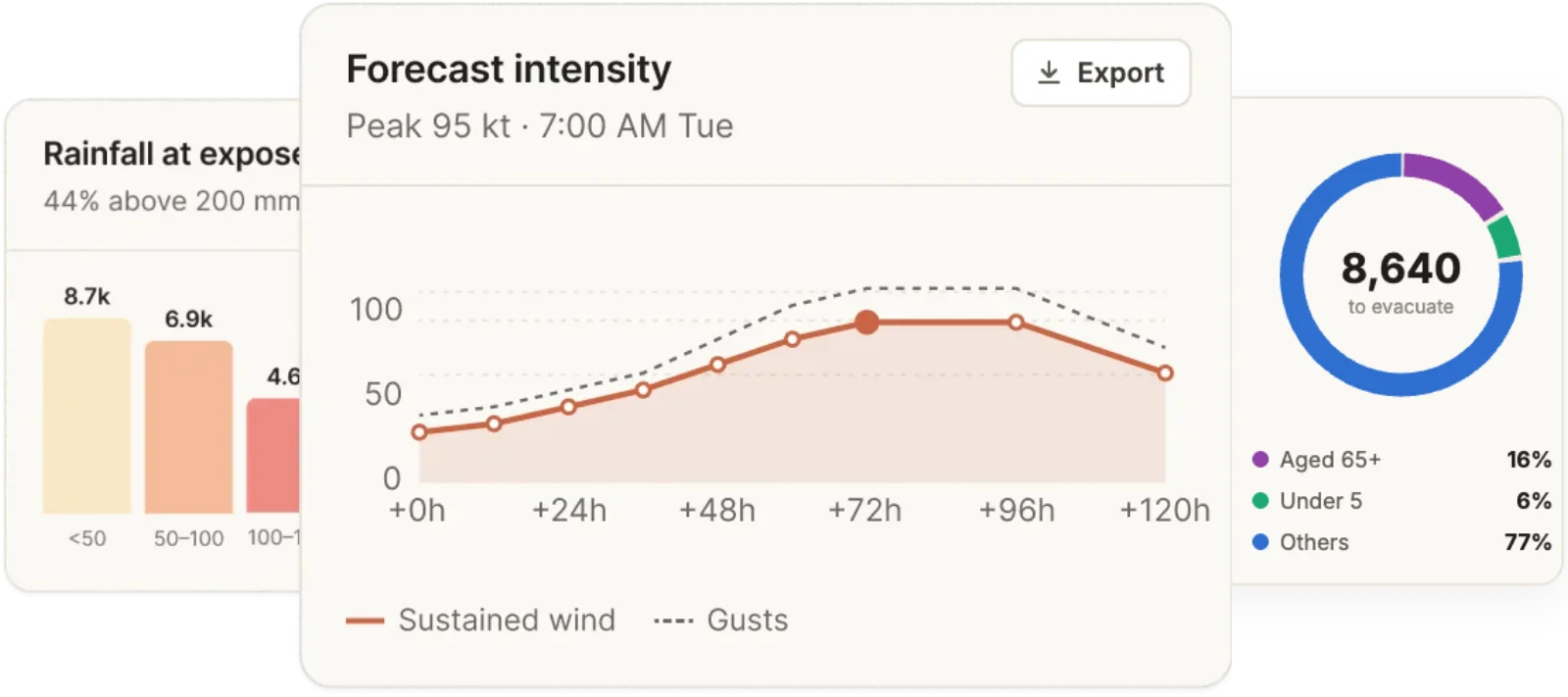
KPIs, charts, filters, exports, and maps you click to filter, laid out the way your users work. Describe the experience and App Studio builds it.
The whole CARTO platform at hand
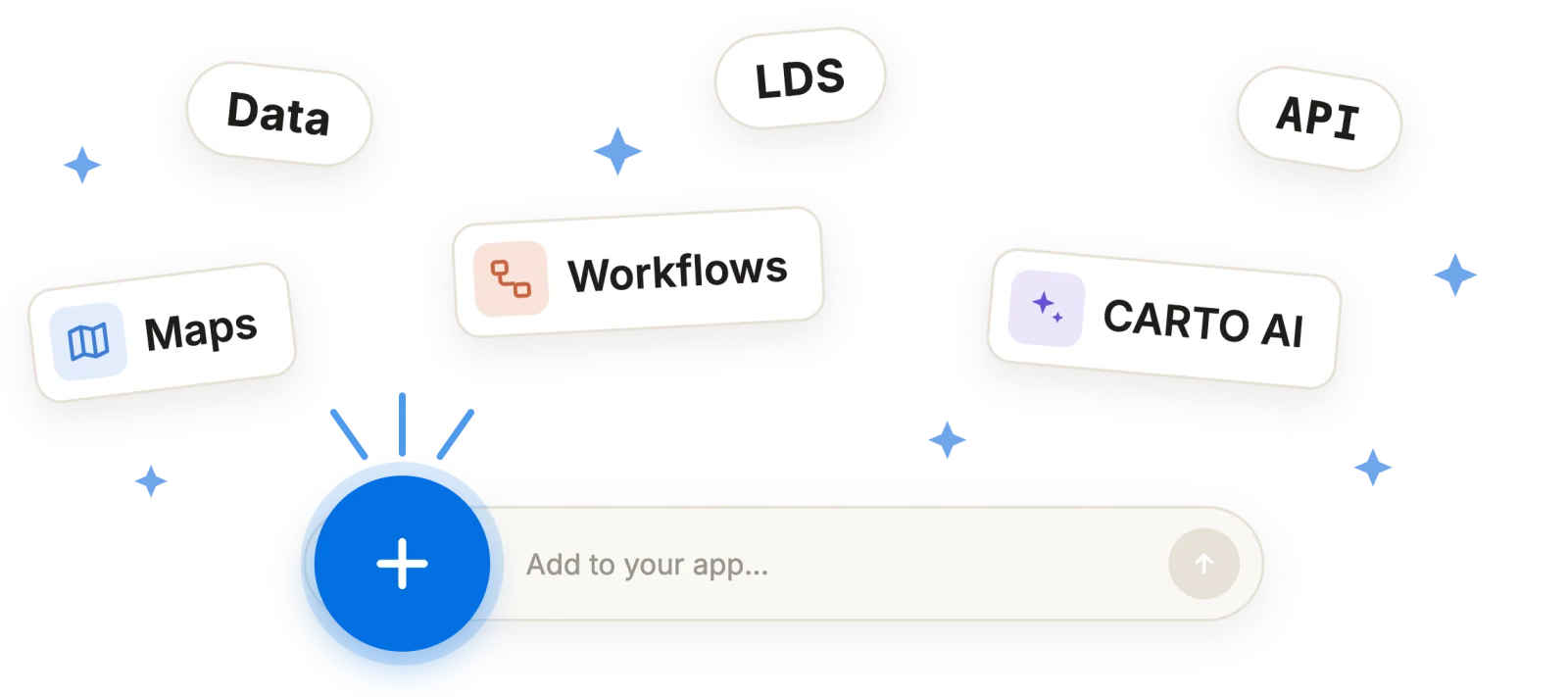
Start from a Builder map, bring in your data, run a CARTO Workflow, or add a CARTO AI Agent. Your apps build on what your team already has.
Built on your data, not a copy of it
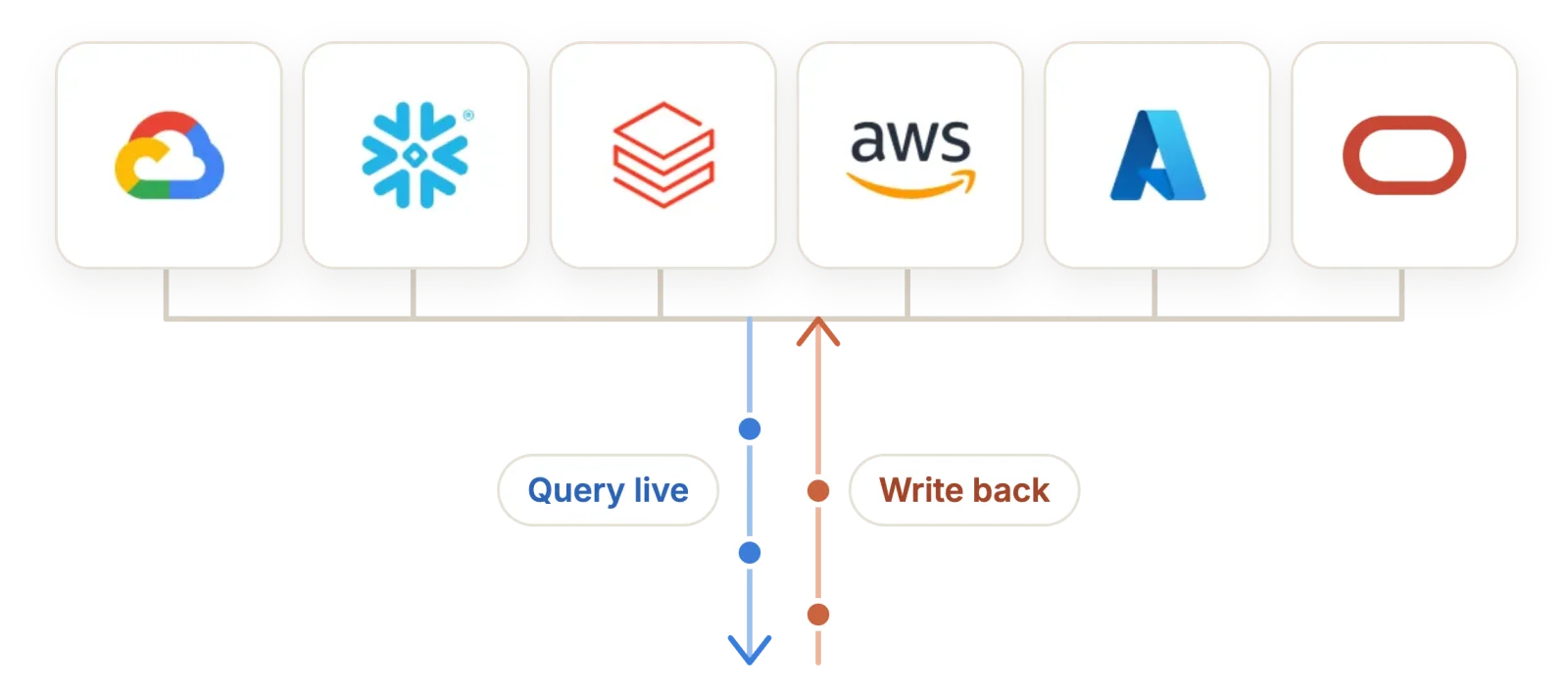
Query your warehouse live, with no copies or extracts, and let users log findings, edit records, or save scenarios straight back to your tables.
AI-first apps
Apps that think, act, and improve
Build smart apps that agentify your geospatial processes and bring Agentic GIS into your team's daily work. Embed a CARTO AI Agent that runs the analysis on your trusted data as users ask in plain language, and watch the app improve the more your team uses it.
What you can build
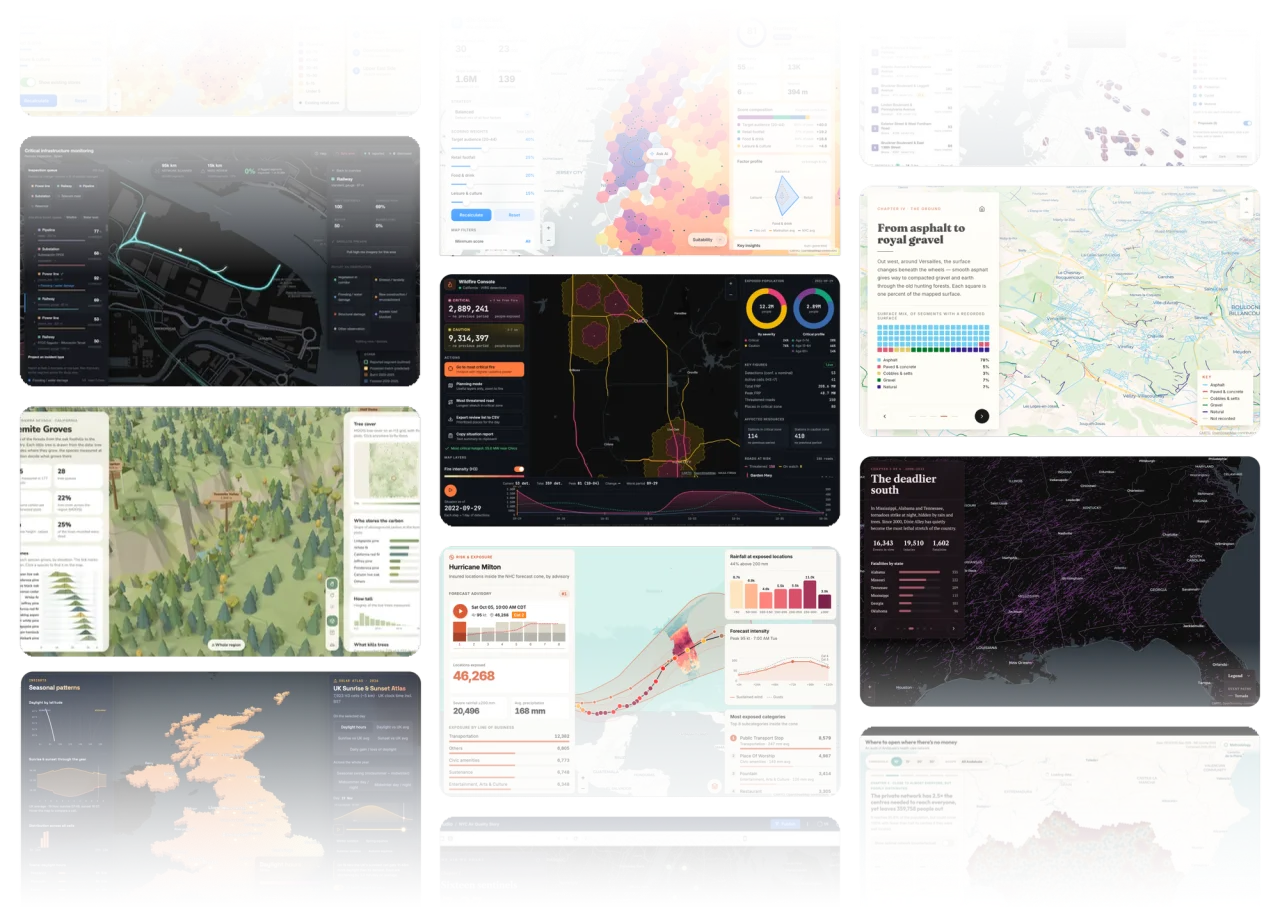
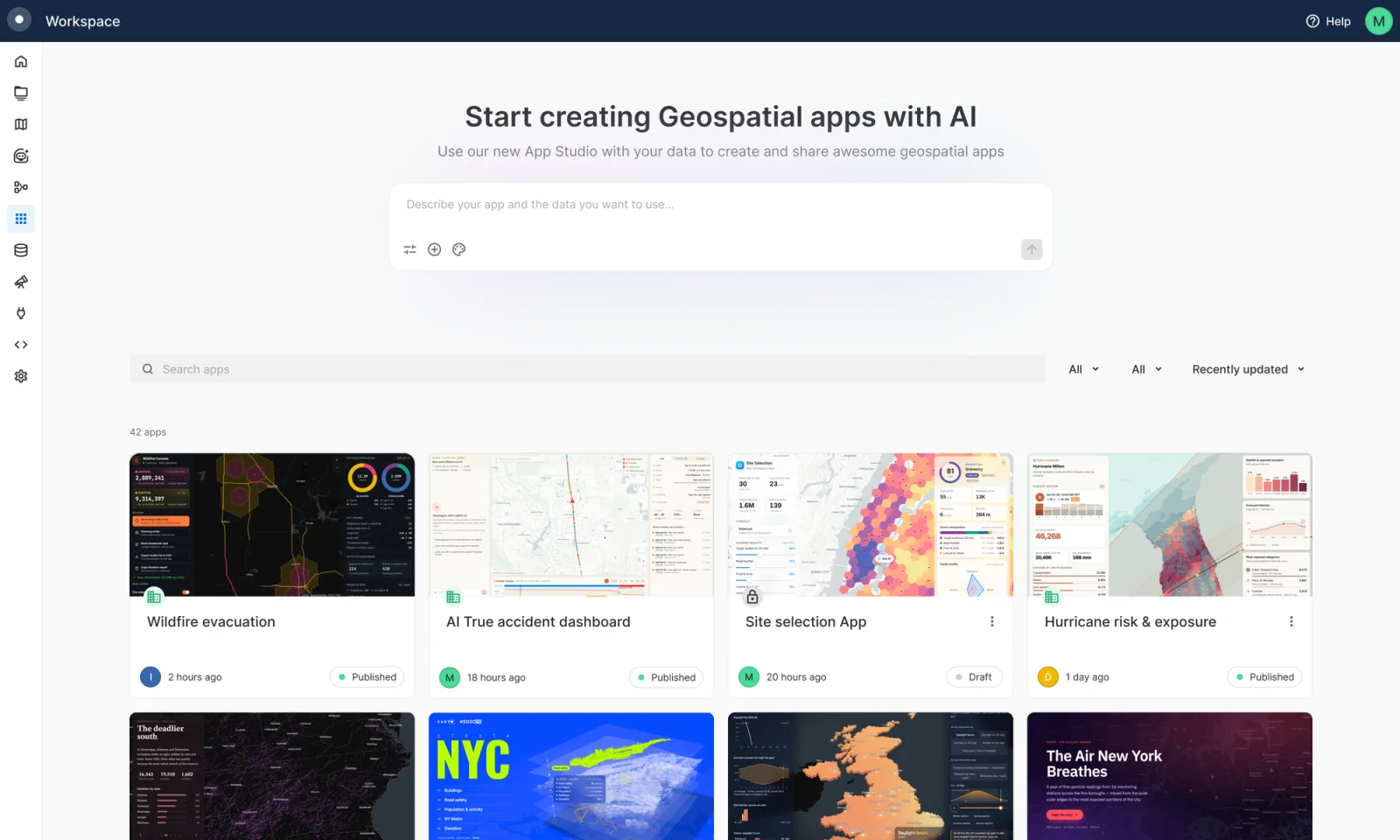
Any spatial app, a prompt away
The step-by-step tools your team has been asking for, from territory planning to emergency response. Describe one, and App Studio builds it around your process.
Territory planning
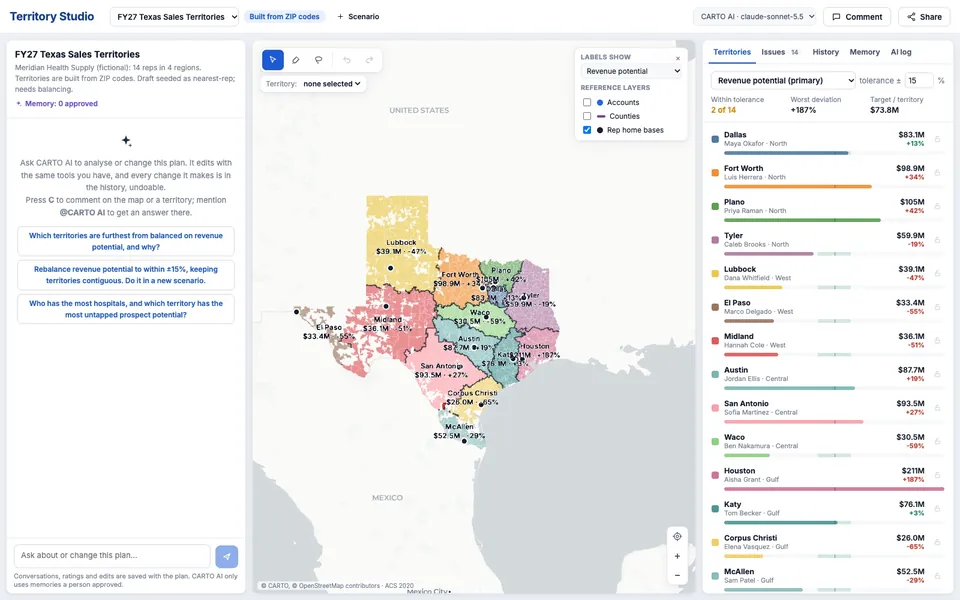
Balance sales territories or service zones, and let the AI propose changes your team reviews.
Incident investigation
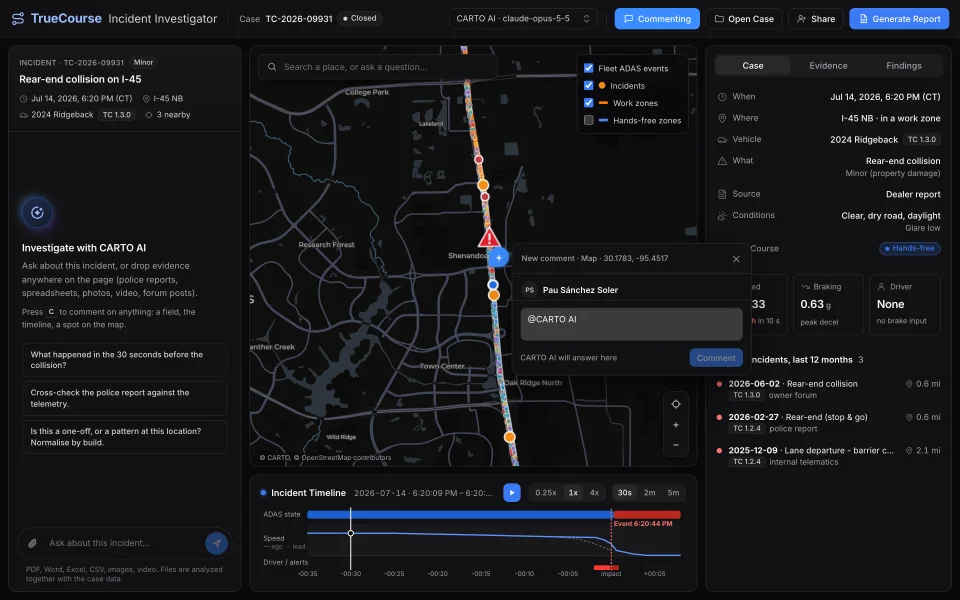
Bring the map, the telemetry timeline, and the evidence together in one case workspace.
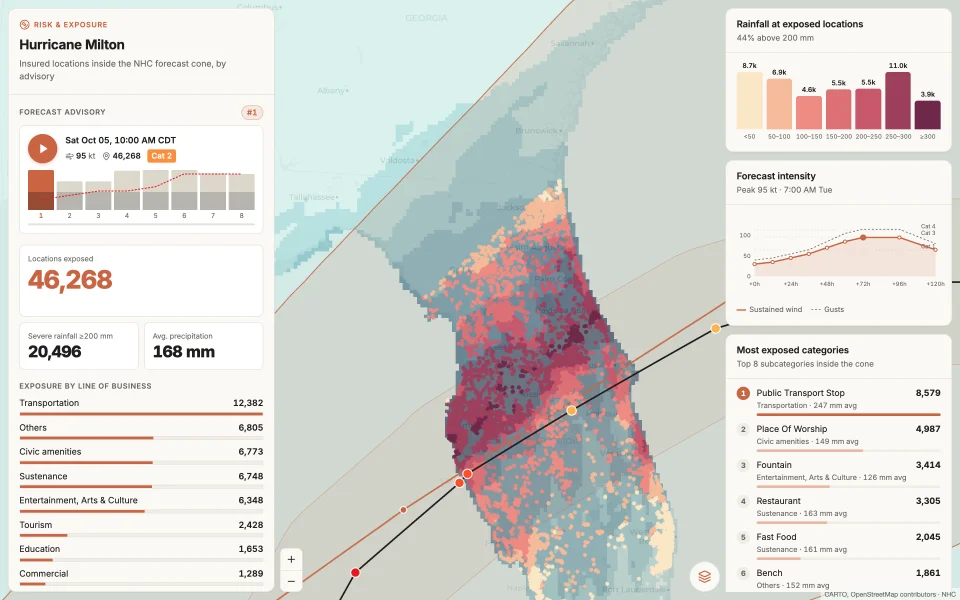
Risk and exposure
Show underwriters live exposure as a hazard moves, from hurricanes to wildfires.
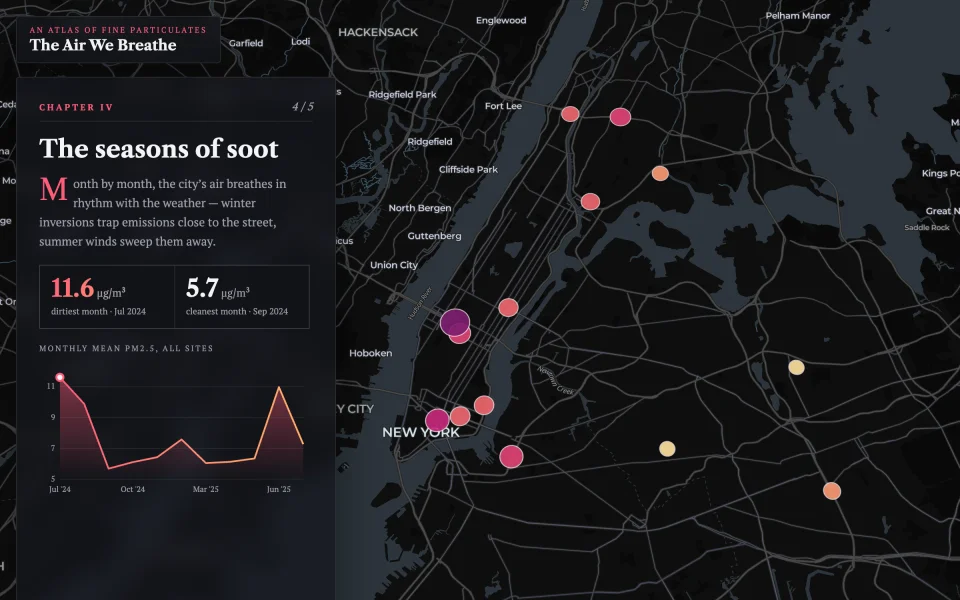
Story maps
Walk an audience through a place with chapters, charts, and cinematic fly-throughs.
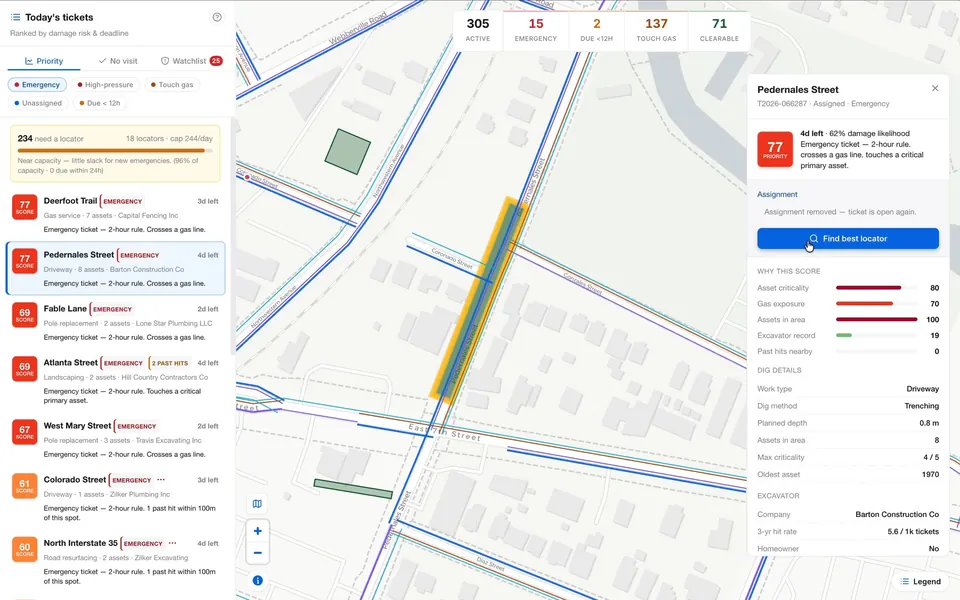
Field operations
Triage and assign jobs, edit features on the map, and write the results back to your warehouse.
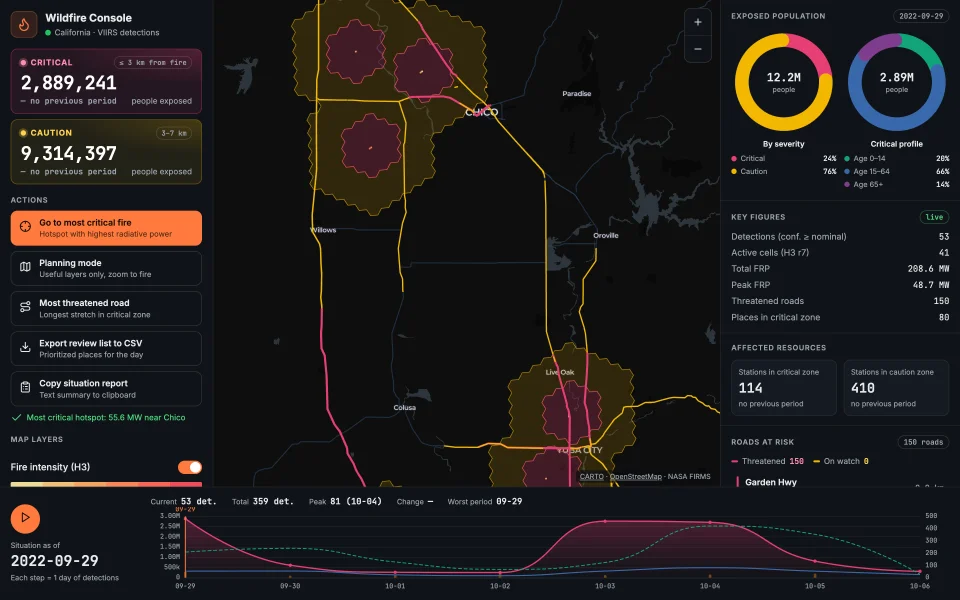
Emergency response
Plan evacuations, watch exit roads, and see who still needs help as the situation changes.
Governance and controls
Governed like the rest of CARTO
App Studio and Hosted Apps inherit the controls your organization has already approved. Nothing new to operate, and no IT backlog to wait in.

Queries run in your warehouse
Apps use live CARTO connections and dynamic tiling. No copies, and no SQL or schema in the browser.
Behind the CARTO login
Apps open behind your CARTO login, with your SSO and SCIM, and every visit is checked against who the app is shared with.

Shared like any CARTO asset
Keep an app private or share it with users, SSO groups, or your organization, just like a map or a workflow.
Frequently asked questions
App Studio is built for data analysts, GIS analysts, and domain experts who know the data and the problem but don't want to work in a terminal, git, or a deployment pipeline. Developers can use it too, and can keep building apps with coding agents and the CARTO CLI.
No. App Studio and Hosted Apps use live CARTO connections and dynamic tiling, so queries run inside your data warehouse and no copies are made. Apps use named sources, so no SQL or schema is exposed in the browser.
Yours. App Studio uses CARTO's bring-your-own-model framework, so it runs on the AI provider your organization has already approved. Your account also has access to CARTO Managed Models if you prefer.
Every app is a CARTO Hosted App. It runs behind the CARTO login, with your SSO and SCIM, and you set what data it can reach, from only the tables it declares to each viewer's own permissions. You can keep an app private or share it with specific users, SSO groups, or your whole organization.